Run customer support chat in real time
Log in as a support agent or as a customer and see how support chat, bot-to-agent handoff, and case management work in real time. Built with React and the PubNub Chat SDK.
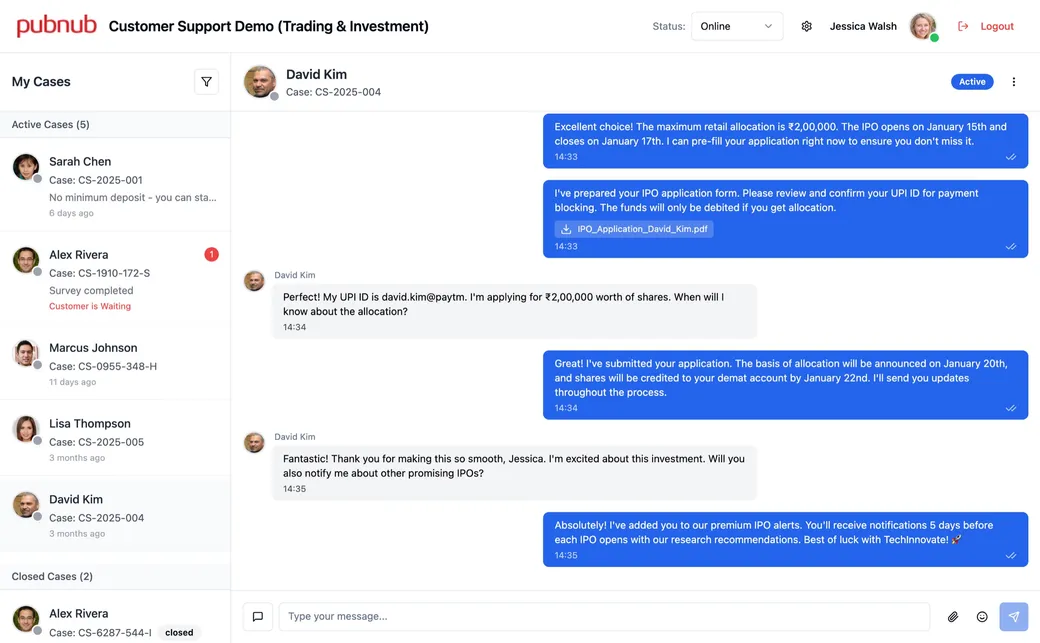
A support desk for agents and customers
This demo shows a support desk for a sample company. On the start page, log in as a support agent, such as Jessica Walsh, or as a customer, such as Marcus Johnson. Agents see their cases and chat with customers. Customers start a chat with a bot and ask for a human agent when they're ready. Open the demo in two browser tabs, one as an agent and one as a customer, to see both sides. The people and conversations are sample data.
The app is built with React, TypeScript, and Vite, and uses the PubNub Chat SDK on top of the PubNub JavaScript SDK. Each support case is its own channel. Users, cases, and who belongs to which case are stored in App Context. Earlier messages load from Message Persistence.
What you can do
Chat with typing indicators and read receipts
Agents and customers write to each other in the case channel, and each message shows up on the other screen as it's sent. You see when the other person is typing. Two ticks under a message show that it was read.
Send files and emoji
Attach an image or a document to a message, or pick an emoji. Messages with files are sent as a message draft with the files attached. The other side sees the attachment in the chat and can download it.
Start with a bot, then talk to a person
A new customer starts a chat with a support bot that asks a few questions. Tap Request Human Agent, and the app looks up an agent whose status is online, invites them to the case, and the bot leaves the chat.
Answer with a tap, rate with a survey
The bot and agents can send multiple-choice questions. The customer's choice is saved as a reaction on the message, so the agent sees the answer appear. When an agent closes a case, the customer gets a short survey, and the agent sees the result.
See who is online and available
Agents see an online dot next to each customer, powered by Presence. Agents set their own status to online, away, or offline. It's saved in their App Context profile, and the customer's chat header updates right away.
Work through your cases
The agent's case list shows active and closed cases, the last message, and an unread count, and flags customers who are waiting. Open a case to load its history. Close or reopen it, or reassign it to another agent, whose list updates live.
Related demos
- Healthcare
Patient Engagement Platform
Learn how a patient engagement platform can deliver comprehensive care.
- Virtual Events
Live Streaming Demo
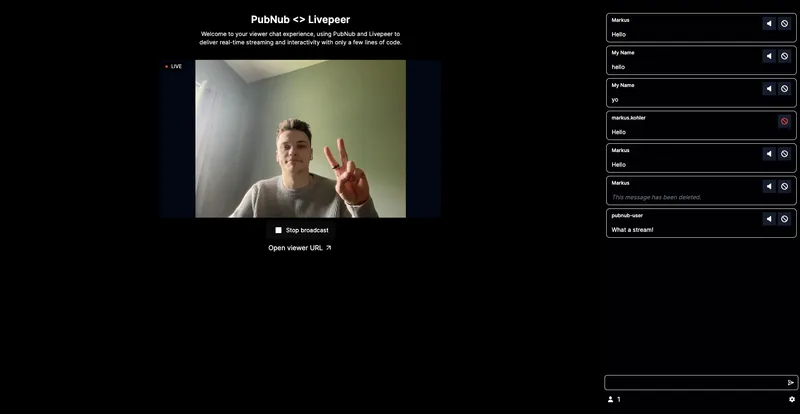
This live-streaming demo shows how you can create interactive experiences that engage audiences in real-time as well as tools to moderate your audience.
- Collaboration
CoDoodler: Collaboration Demo
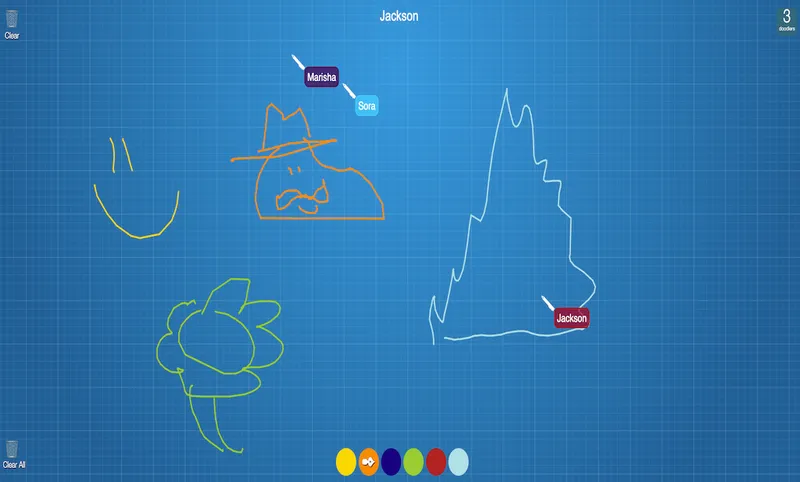
Draw with your friends! Powered by PubNub, our real-time collaboration demo demonstrates a simple drawing application that allows for multiple users to draw at the same time on a canvas.

Build interactive real-time experiences with PubNub
Bring chat, live updates, and real-time interactions into your application without building the infrastructure from scratch.
