Tutorial
Build a geolocation tracking app
Add your keys, join a session, share your position, show everyone on the map, and count who is in the session.
Join a session, share your position, and see everyone in it on one map. Change your name, leave a greeting, and invite others. Built with plain JavaScript, Google Maps, and the PubNub JavaScript SDK.
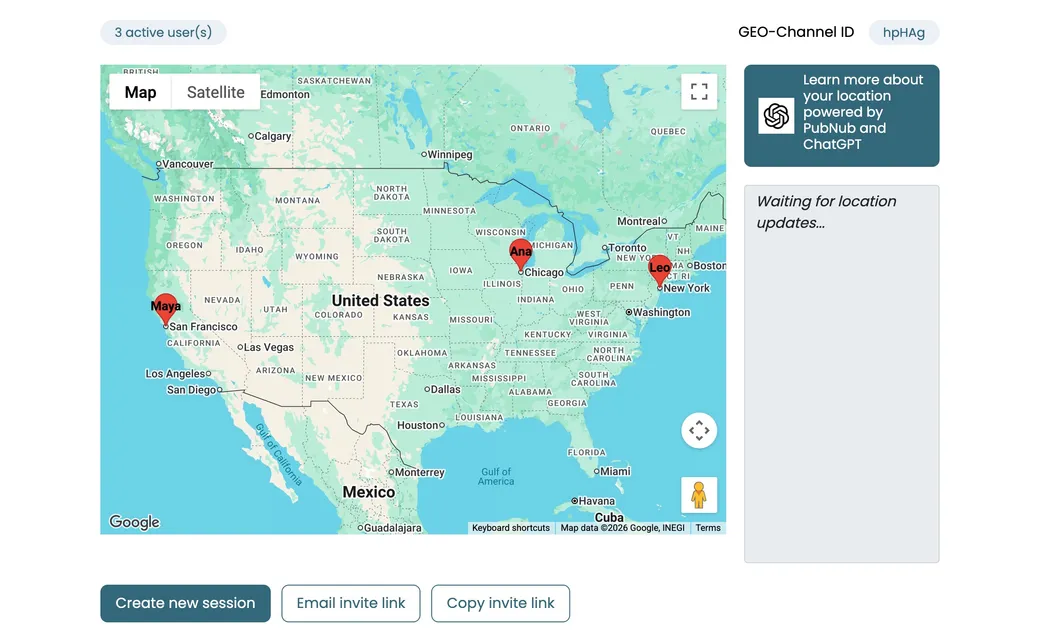
The Geolocation demo is plain JavaScript and HTML with Google Maps and the PubNub JavaScript SDK. There is no backend: every browser tab is its own PubNub client. A session is a PubNub channel with a random five-character ID, which you see in the URL and at the top of the map.
Your browser watches your position and publishes it, with your name and greeting, as a message on the session channel. Everyone subscribed to that channel moves your marker when the message arrives. Each user also saves their latest position, name, and greeting as App Context channel member data, so people who join later still see you. Presence events drive the active-user count. The source code is open on GitHub, and the tutorial walks you through building a geolocation tracker.
Allow location access and the demo watches your position. Each new fix is published to the session channel, and everyone in the session sees your marker move.
When you join, the demo reads the channel members of the session from App Context. Each one holds a last known position, name, and greeting, so their markers show up right away.
Update your username or greeting. The demo publishes the change and saves it to App Context, and the other users see the new label on your marker.
Click a marker to see that user's name, when they were last seen, their coordinates, and their greeting.
Create a new session to move to a fresh channel with a new ID. Copy the invite link or email it, and whoever opens it joins the same channel.
Turn on Plot New Paths to draw each user's route as new positions arrive. Turn off Auto Fit View to keep the map where you put it, or pause your own location updates.
Follow the tutorial to build a geolocation tracker step by step, or clone the source and start changing it.
Tutorial
Add your keys, join a session, share your position, show everyone on the map, and count who is in the session.
GitHub
The complete source. Put your publish and subscribe keys in js/app.js, then serve the folder on localhost, for example with npx serve.
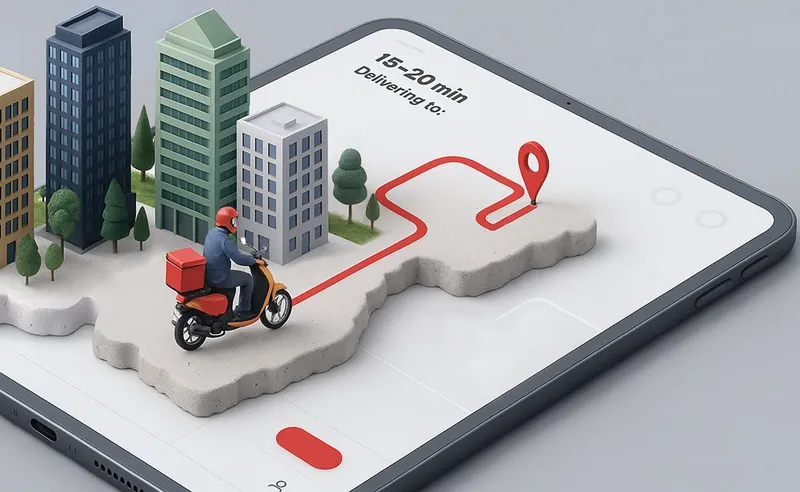
git clone https://github.com/PubNubDevelopers/Geolocation-Demo.gitTrack deliveries in real time without requiring a custom backend.
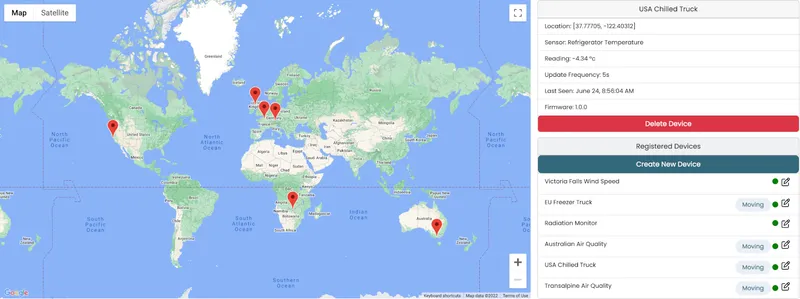
PubNub's high availability, scalable infrastructure is ideal for IoT solutions with thousands of devices spread across a large geographical area
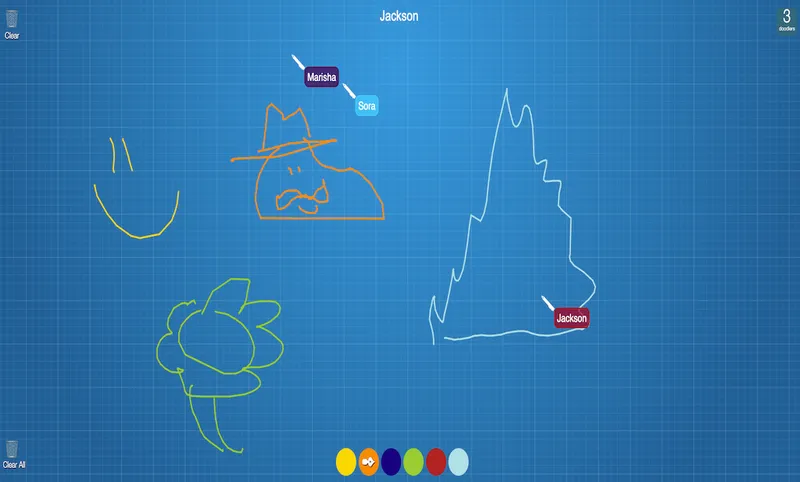
Draw with your friends! Powered by PubNub, our real-time collaboration demo demonstrates a simple drawing application that allows for multiple users to draw at the same time on a canvas.
Bring chat, live updates, and real-time interactions into your application without building the infrastructure from scratch.