Connect patients and care teams in real time
Log in as a health coach or as a patient and see how care-team chat, critical alerts, and tasks work in real time. Built with React and the PubNub JavaScript SDK.
Patient-provider communication, end to end
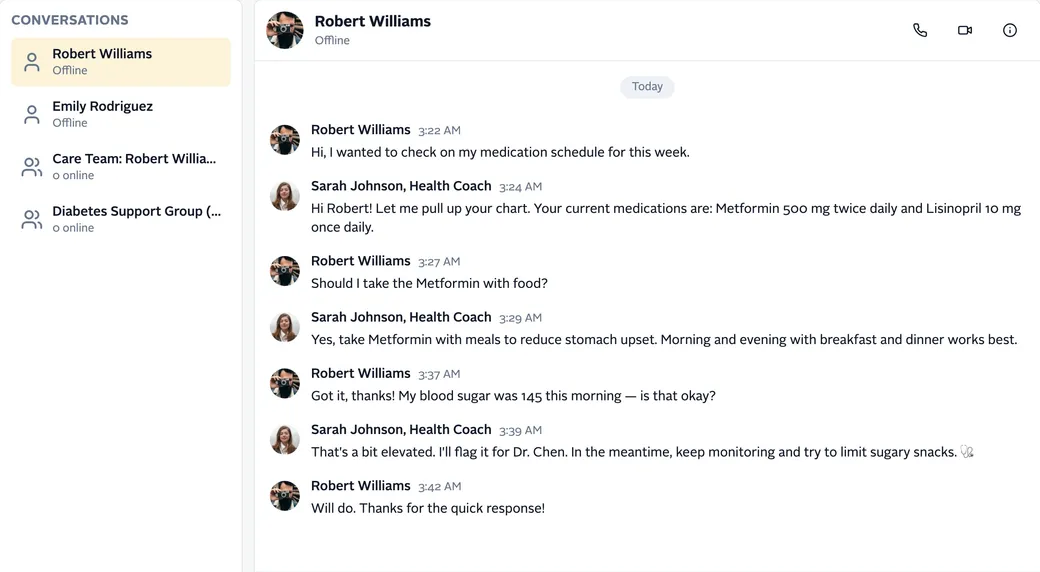
This demo shows common patient-provider communication patterns in a sample care app. On the start page, pick a role: a healthcare provider, such as health coach Sarah Johnson, or a member (patient), such as Robert Williams. Each role gets its own dashboard. The people, conversations, and appointments are sample data. It's a demo, not a medical product.
The app is built with React, TypeScript, and Vite, and uses the PubNub JavaScript SDK. Chat runs over PubNub channels. Users, roles, and care teams are stored in App Context. Each login gets an Access Manager token. Server-side logic runs in PubNub Functions: they check patient messages for urgent words, turn chat commands into tasks, and pass messages for the AI Healthcare Bot to an OpenAI model.
What you can do
Chat with patients and care teams
Providers and patients write to each other in one-to-one chats, care-team channels, and a support group. Each message is published to a PubNub channel and shows up on every open screen. Type @ to mention someone, and the message is highlighted for them.
See which patients are online
The provider's conversation list shows Online or Offline next to each patient. It uses Presence: a Here Now call when the list loads, then join and leave events as patients log in and out.
Pick up where you left off
Opening a conversation loads its earlier messages from Message Persistence. Unread badges come from message counts: the number of messages since the last one you read in each conversation.
Alert the care team
A PubNub Function checks each patient message for urgent words, such as "chest pain" or "emergency". When it finds one, it publishes an alert to the care team's alert channel. A provider acknowledges it with a message action, and every provider sees who did.
Assign tasks in chat
A provider types /task and a description in a patient chat. A Function saves the task in the patient's App Context profile and sends notifications. The patient sees it under My Tasks and marks it complete, and another Function records that.
Show each patient's care team
Profiles, roles, and care teams live in App Context. The patient dashboard lists the members of the patient's care team from channel memberships. Click a name to open the chat with that person.
Related demos
- Virtual Events
Live Streaming Demo
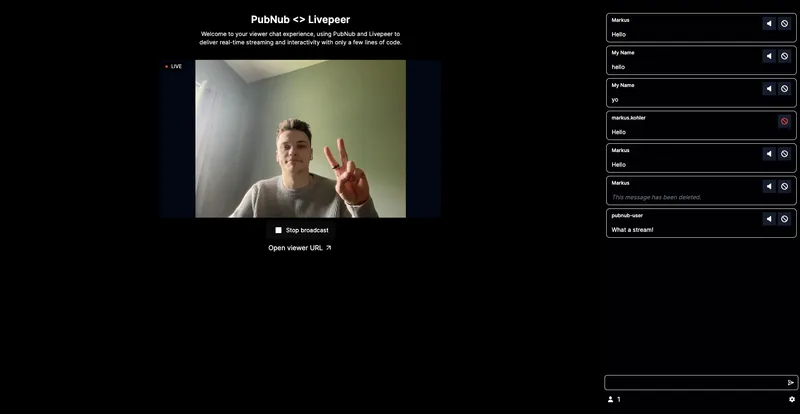
This live-streaming demo shows how you can create interactive experiences that engage audiences in real-time as well as tools to moderate your audience.
- IoT Device Control
IoT Dashboard Demo
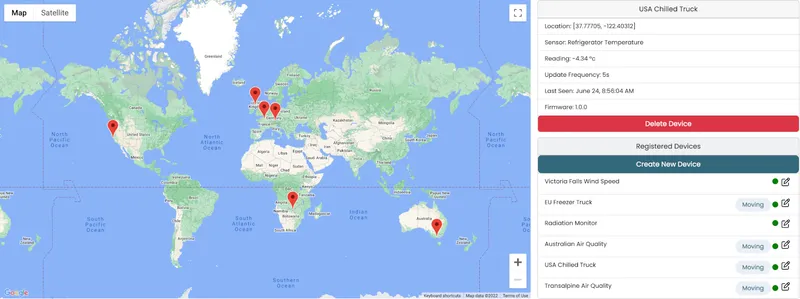
PubNub's high availability, scalable infrastructure is ideal for IoT solutions with thousands of devices spread across a large geographical area
- Collaboration
CoDoodler: Collaboration Demo
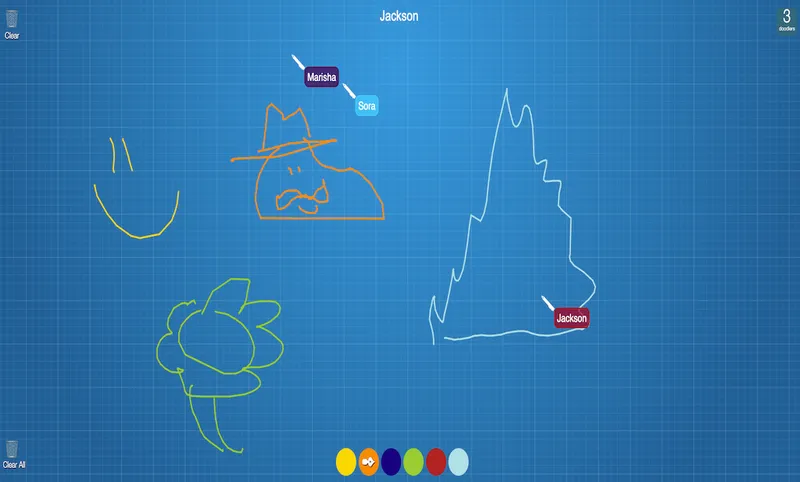
Draw with your friends! Powered by PubNub, our real-time collaboration demo demonstrates a simple drawing application that allows for multiple users to draw at the same time on a canvas.
Build interactive real-time experiences with PubNub
Bring chat, live updates, and real-time interactions into your application without building the infrastructure from scratch.
