Tutorial
Mobile Push Notifications Tutorial
Connect your keyset to FCM and APNs, register device tokens on channels, and publish messages with push payloads.
Write a message in your browser and send it as a push notification to an Android app running next to it. Try notification and data payloads and see how the app handles each one.
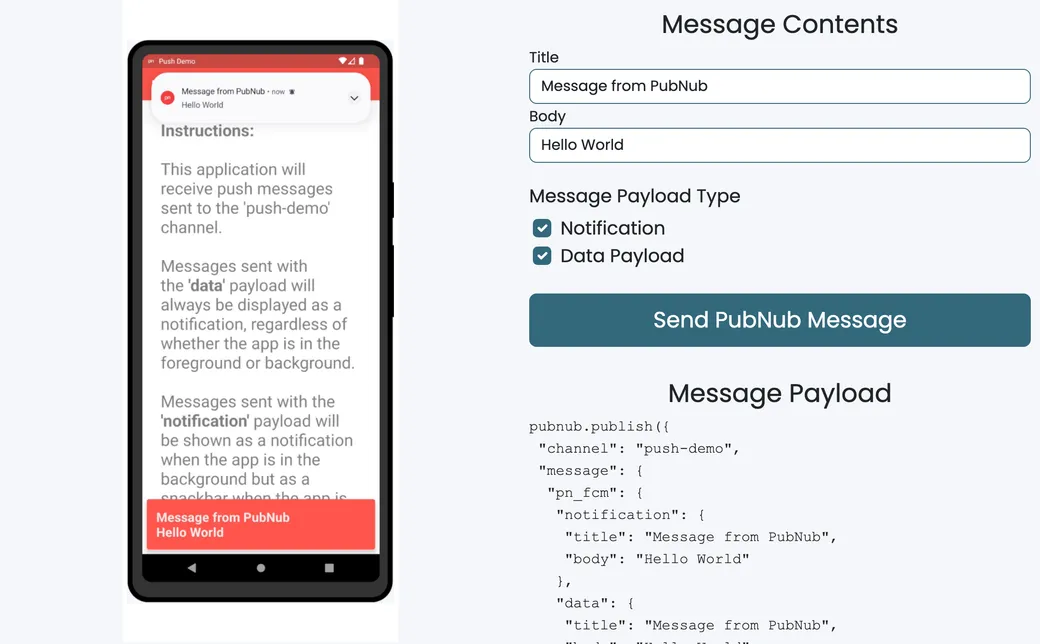
The demo has two parts. The sender is a web page built with the PubNub JavaScript SDK. The receiver is an Android app written in Kotlin with the PubNub Kotlin SDK and Firebase Cloud Messaging (FCM). It runs in a hosted Android emulator inside the demo.
When the app starts, it gets an FCM token and registers it on the push-demo channel. The web page then publishes a normal PubNub message with a pn_fcm key. PubNub's Push Gateway sees that key and forwards the message to FCM for every device registered on the channel. There's no push server of your own. The demo covers Android only. The Android app's source is on GitHub, and the tutorial walks you through adding push to your own app.
Start the app in the emulator beside the form. It asks for notification permission, gets its FCM token, and registers the token on the push-demo channel.
Enter a title and a body. The page shows the exact pubnub.publish() call it will make, and updates it as you type.
With the app open, the message appears as a snackbar inside the app. Put the app in the background and Android shows it as a system notification.
The app handles data messages itself and always posts a notification, whether it is in the foreground or the background. Select both types to send them together.
The sender only publishes to a channel. The pn_fcm key tells PubNub to forward the message to FCM for each device token registered on that channel.
Follow the tutorial to add mobile push to your own app, or clone the Android receiver and run it with your own keys.
Tutorial
Connect your keyset to FCM and APNs, register device tokens on channels, and publish messages with push payloads.
GitHub
The Android receiver app. Add your Firebase google-services.json and your PubNub subscribe key, build it in Android Studio, then publish a pn_fcm message to the push-demo channel.
git clone https://github.com/PubNubDevelopers/push-mobile-demo.gitLearn how a patient engagement platform can deliver comprehensive care.
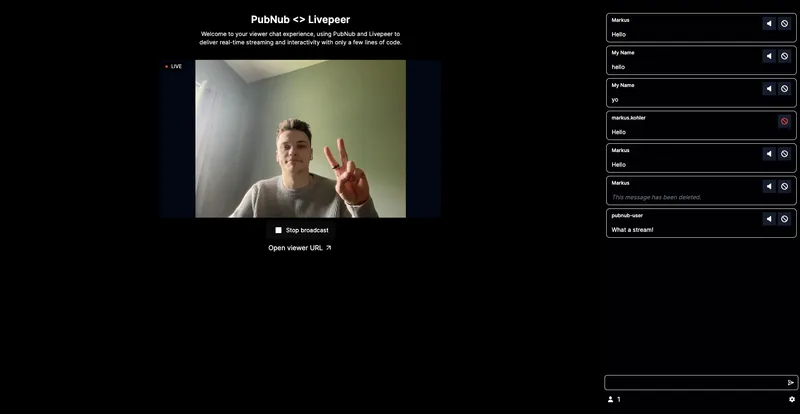
This live-streaming demo shows how you can create interactive experiences that engage audiences in real-time as well as tools to moderate your audience.
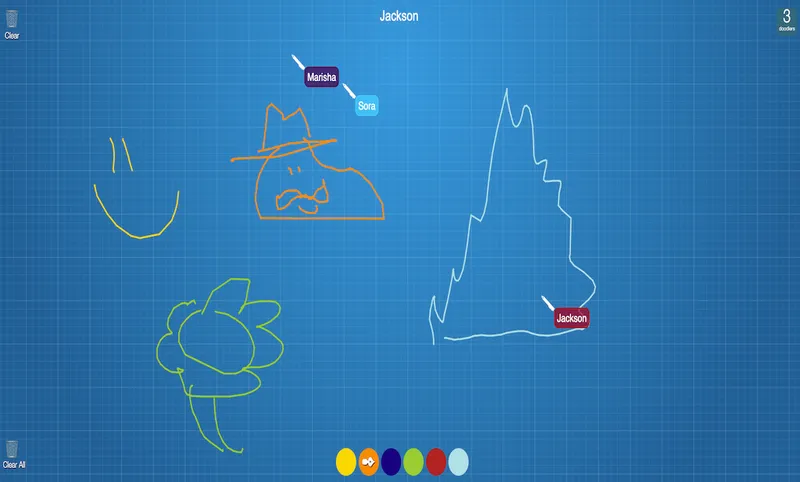
Draw with your friends! Powered by PubNub, our real-time collaboration demo demonstrates a simple drawing application that allows for multiple users to draw at the same time on a canvas.
Bring chat, live updates, and real-time interactions into your application without building the infrastructure from scratch.