Tutorial
Add a live leaderboard and lobby chat to a Unity game
Set up your keyset and the leaderboard Function, then learn how the game submits times, updates the board, and runs the lobby chat.
Race a kart through the checkpoints to the finish line. Then submit your time to a top 10 leaderboard that updates for every player, and talk to other racers in the lobby chat. Built with Unity and the PubNub Unity SDK.
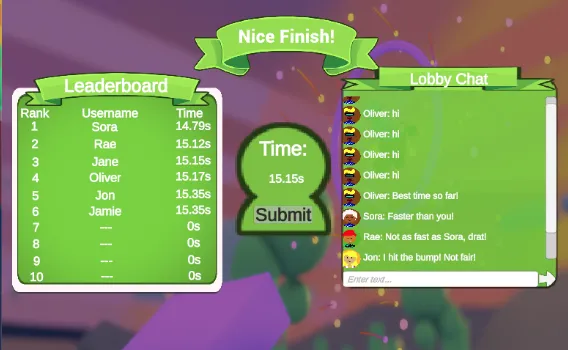
PubNub Prix is Unity's Karting Microgame with real-time features added through the PubNub Unity SDK. It runs in your browser as a Unity WebGL build. Enter a name of up to six characters, drive with WASD or the arrow keys, and beat the clock to reach the results screen.
On the results screen, your time goes to a PubNub Function that keeps the top 10 in its KV Store and publishes the updated board to every player. The lobby chat sends and receives messages on a shared channel and loads recent ones from Message Persistence. A simple word filter replaces profanity in names and chat messages with asterisks. Each client gets an Access Manager token from a small token server before it talks to PubNub. The source code is open on GitHub, and the tutorial explains how the game is built.
Finish the race and press Submit. The game publishes your name and time to the submit_score channel, once per race.
A PubNub Function runs after each submission. It places your time in the top 10 that it keeps in its KV Store, then publishes the new board.
Everyone on the results screen subscribes to the leaderboard_scores channel. When anyone submits a time, the board changes for all of them at once.
When you reach the results screen, the game sends a Fire to the Function. Fire messages go only to Functions, and this one makes the Function publish the current board for you.
Type a message and every player on the results screen sees it right away. Messages with profanity have those words replaced with asterisks before they are sent.
When the lobby opens, the game fetches the last 10 chat messages from Message Persistence, so you see what was said before you arrived.
Follow the tutorial to see how the leaderboard and lobby chat are built, or clone the game and open it in Unity.
Tutorial
Set up your keyset and the leaderboard Function, then learn how the game submits times, updates the board, and runs the lobby chat.
GitHub
The complete Unity project. Check out the leaderboard-chat branch, add your publish and subscribe keys to GameConstants.cs, set up the leaderboard Function from the README, then build and run.
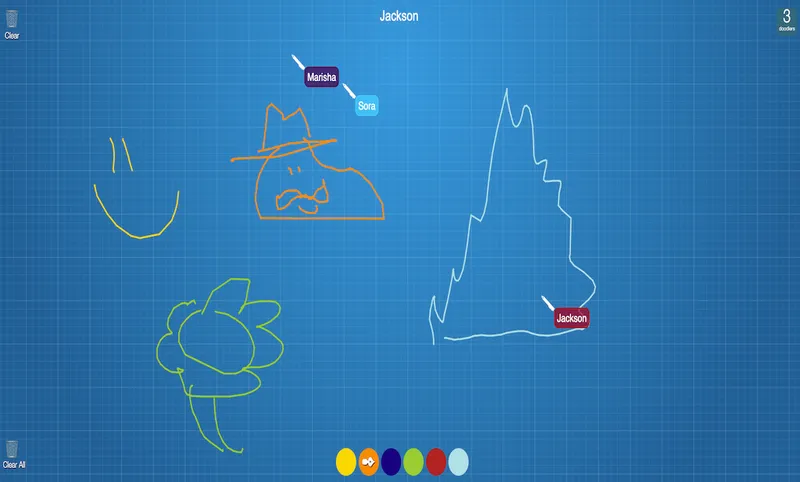
git clone https://github.com/PubNubDevelopers/unity-karting-game.gitDraw with your friends! Powered by PubNub, our real-time collaboration demo demonstrates a simple drawing application that allows for multiple users to draw at the same time on a canvas.
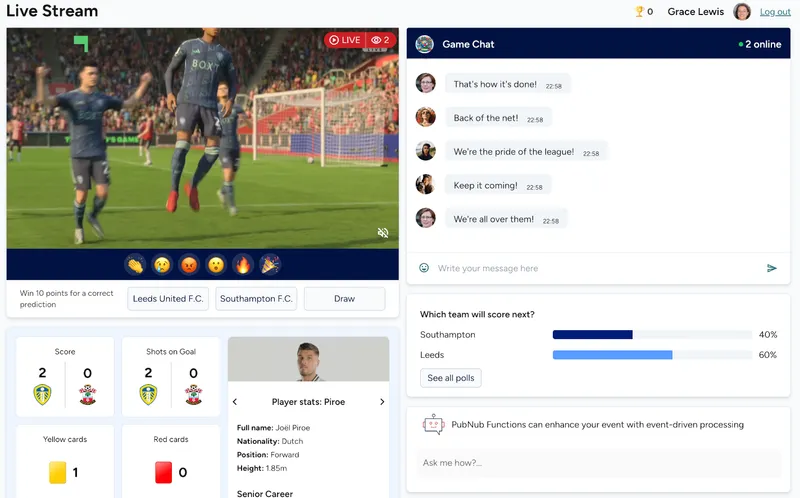
Building a live event app such as a sports match, a concert, or streamed media event? Easily add real-time features like chat, polls, reactions, data sync, and gamification with PubNub
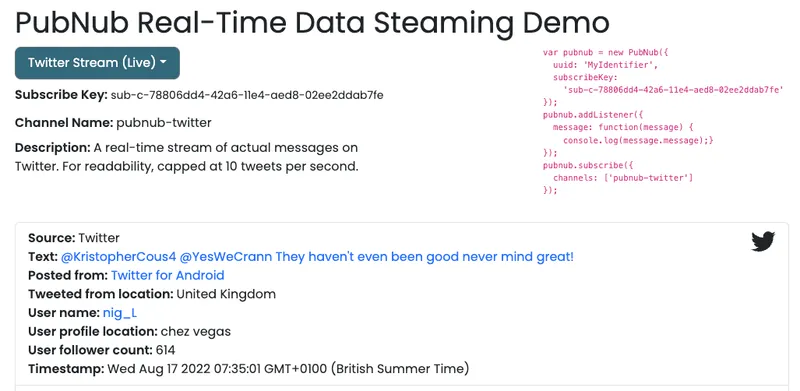
Streaming data is a continuous flow of information from various sources in real time. PubNub’s live streaming APIs enable you to generate, process, and deliver streaming data to any number of subscribers.
Bring chat, live updates, and real-time interactions into your application without building the infrastructure from scratch.